Pixel Adventure
一款类似 是男人就下100层的游戏
游戏截图
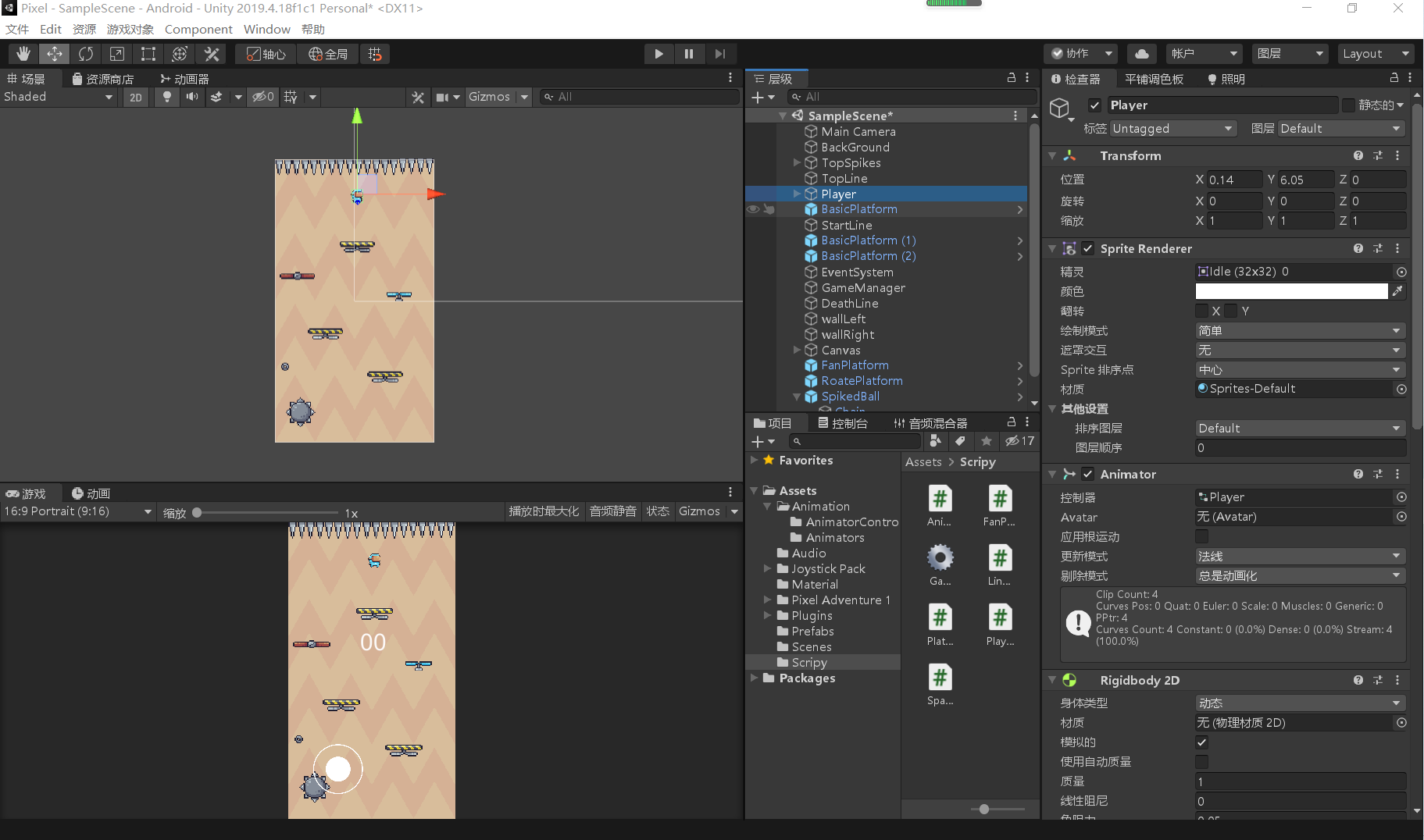
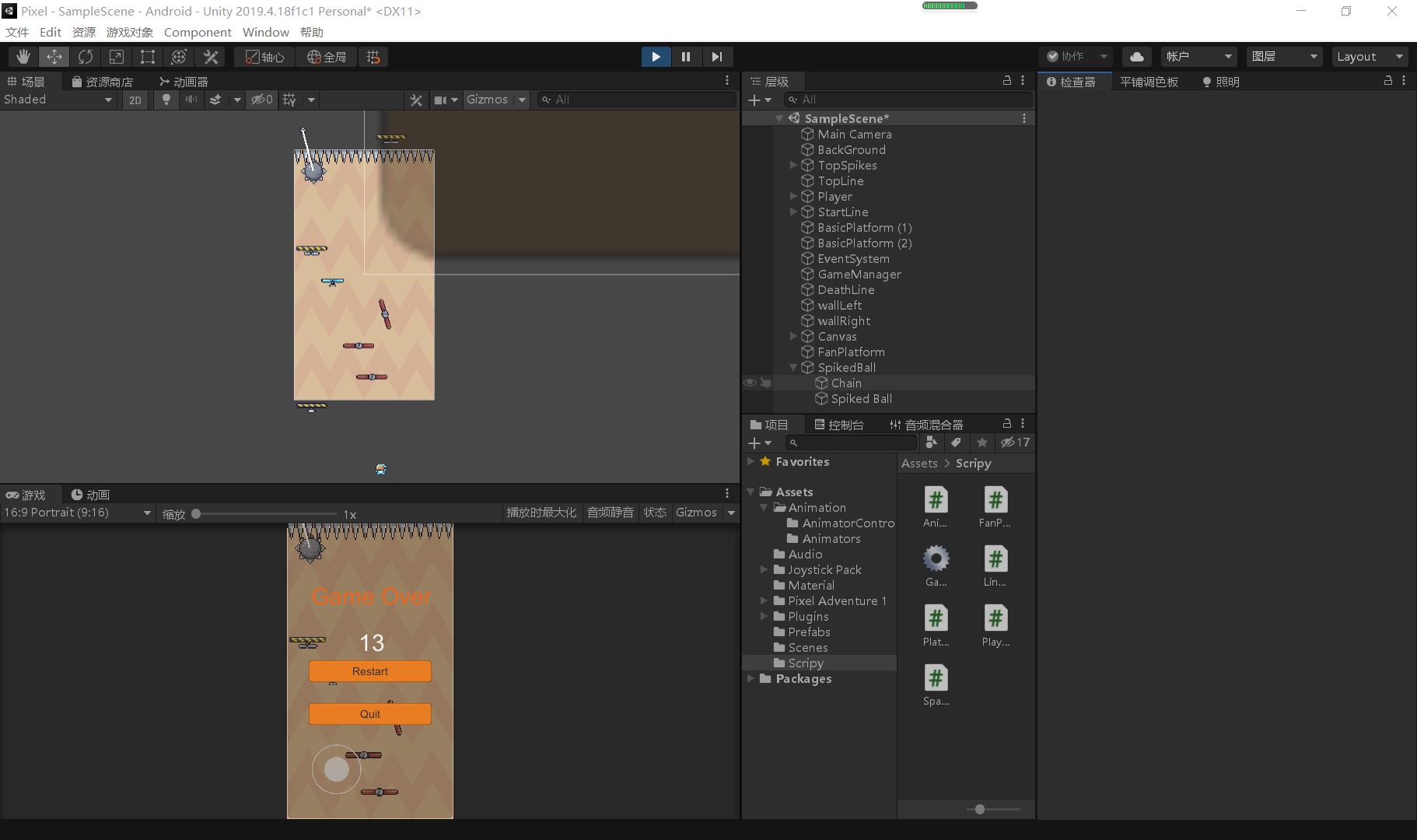
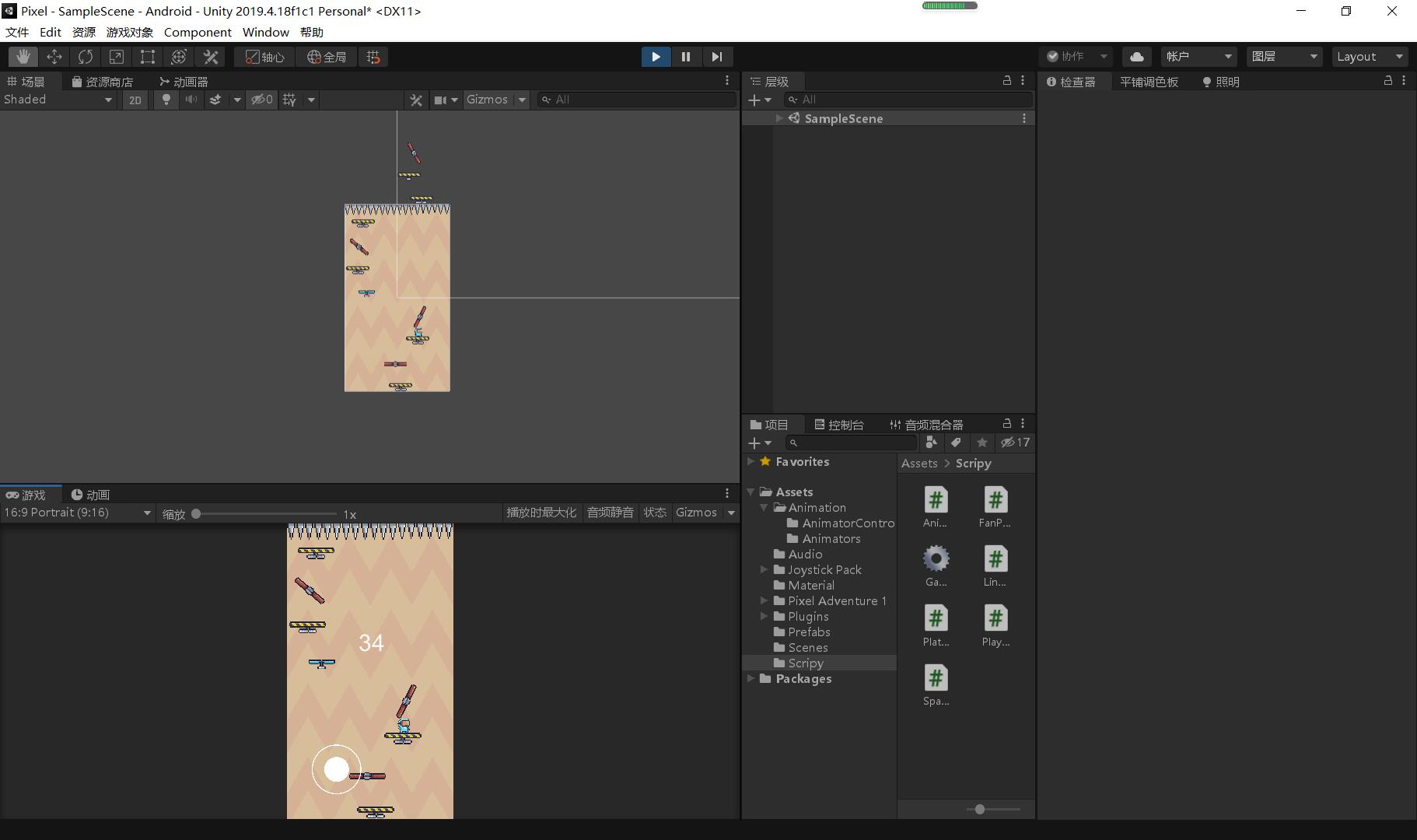
场景搭建
先将项目设置为手机平台
    在场景中添加一个空的四边形
        x设为9 y设为16
    main camera size设为8
    新建材质 命名为background
        shader设为 Unlit/Texture
        选择一张图作为背景
            背景图的 每单位像素 设为64
            warp mode 设为repeat
        Tiling X设为4 Y设为4
    把材质球拖到 四边形 上
    新建脚本AnimationBG
        代码
using System.Collections;
using System.Collections.Generic;
using UnityEngine;
public class AnimationBG : MonoBehaviour
{
Material material;
Vector2 movement;
public Vector2 speed;
void Start()
{
material=GetComponent<Renderer>().material;
}
// Update is called once per frame
void Update()
{
movement+=speed*Time.deltaTime;
material.mainTextureOffset=movement;
}
}找到预设的 spikes里的 尖刺 idle 把像素设为16 点击 应用
在场景中新建一个游戏物体命名为 TopSpikes
将尖刺图片放到 TopSpikes下
尖刺的缩放 Y为2 旋转z为180
把尖刺铺满 然后全选尖刺
添加 Polygon Collider2D组件
添加 composite collider2D组件
勾选 istrigger
将rigidbody2d的 body设为static 防止尖刺下落制作平台
制作基础平台
        找到预设的Falling Platform的 off平台图片 像素设为16
        拖拽到场景 命名为 Basicplatform
        将相关动画图片拖入 创建平台动画
        添加BoxCollider2D
            自己调整一下collider大小
    制作旋转平台
        命名为RoatePlatform 其余同上
        添加HingeJoint2D 组件
            可以调整旋转速度 角度
    制作弹跳平台
        命名为FanPlatform 其余同制作基础平台
        创建俩动画 一个为不转的Idle 一个为旋转的动画
        创建脚本控制人物踩到后风扇再旋转
            代码
using System.Collections;
using System.Collections.Generic;
using UnityEngine;
public class FanPlatform : MonoBehaviour
{
Animator animator;
void Start()
{
animator=GetComponent<Animator>();
}
void OnCollisionEnter2D(Collision2D other)
{
if(other.gameObject.tag=="Player")
animator.Play("Fan_run");
}
}制作旋转锁链
创建空的物体命名为SpikedBall
            拖入chain图片
                添加rigidbody2d组件
                    bodytype设为kinematic
            拖入SpikedBall图片
                添加DistanceJoint2D组件
                添加CircleCollider2D组件
                    编辑碰撞器大小 可以按住alt键调整
            选中chain拖入spikedball的distancejoint2D组件内
    创建游戏物体TopLine 控制平台到达某个地点消失
        选择一个颜色能看的清楚
    新建脚本Platform 控制平台向上升
        代码
using System.Collections;
using System.Collections.Generic;
using UnityEngine;
public class Platform : MonoBehaviour
{
GameObject topLine;
Vector3 movement;
public float speed;
void Start()
{
movement.y=speed;
topLine=GameObject.Find("TopLine");
}
// Update is called once per frame
void Update()
{
MovePlatform();
}
void MovePlatform()
{
transform.position+=movement*Time.deltaTime;
if(transform.position.y>=topLine.transform.position.y)
{
Destroy(gameObject);
}
}
}制作游戏人物
找到人物图片
        像素设为32
        为Player添加各种状态动画
        添加rigidbody2d组件
            锁定z轴
        添加boxcollider2d
    添加PlayerController脚本
    在游戏人物下创建空的游戏物体checkPoint
    添加platform图层
        把陷阱平台的图层改掉
    添加跑动掉落动画效果
    添加spike标签
        把尖刺陷阱等选择该tag
    画线
        在spikedBall下添加LineRender组件
            调节宽度
            设置默认材质
        新建LineRender脚本
            代码
using System.Collections;
using System.Collections.Generic;
using UnityEngine;
public class LineRender : MonoBehaviour
{
LineRenderer line;
public Transform startPoint;
public Transform endPoint;
void Start()
{
line=GetComponent<LineRenderer>();
}
// Update is called once per frame
void Update()
{
line.SetPosition(0,startPoint.position);
line.SetPosition(1,endPoint.position);
}
}挂载脚本随机生成平台
创建空的物体命名为StartLine
        添加boxcollider2d
            勾选istrigger
            调整碰撞器
        标注颜色方便看到
        选择spike标签
    新建Spawner脚本
    挂载脚本到StartLine 并把各种平台prefab拖入
    代码
using System.Collections;
using System.Collections.Generic;
using UnityEngine;
public class Spawner : MonoBehaviour
{
public List<GameObject> platforms=new List<GameObject>();
public float spawnTime;
private float countTime;
private Vector3 spawnPosition;
void Start()
{
}
// Update is called once per frame
void Update()
{
SpawnPlatform();
}
public void SpawnPlatform()
{
countTime+=Time.deltaTime;
spawnPosition=transform.position;
spawnPosition.x=Random.Range(-3.5f,3.5f);
if(countTime>=spawnTime)
{
createPlatform();
countTime=0;
}
}
public void createPlatform()
{
int index=Random.Range(0,platforms.Count);
GameObject newPlatform = Instantiate(platforms[index],spawnPosition,Quaternion.identity);
newPlatform.transform.SetParent(this.gameObject.transform);
}
}游戏管理器
新建GameManager脚本 和游戏物体
    添加UI text panel button
using System.Collections;
using System.Collections.Generic;
using UnityEngine;
using UnityEngine.UI;
using UnityEngine.SceneManagement;
public class GameManager : MonoBehaviour
{
static GameManager instance;
public Text timeScore;
public GameObject gameOverUI;
void Awake()
{
if(instance!=null)
{
Destroy(gameObject);
}
instance=this;
}
void Start()
{
}
// Update is called once per frame
void Update()
{
timeScore.text=Time.timeSinceLevelLoad.ToString("00");
}
public void RestartGame()
{
SceneManager.LoadScene(SceneManager.GetActiveScene().name);
Time.timeScale=1;
}
public void Quit()
{
Application.Quit();
}
public static void GameOver(bool dead)
{
if(dead)
{
instance.gameOverUI.SetActive(true);
Time.timeScale=0;
}
}
}